“Radial menu,” “pie menu” and “marking menu” are related terms, but they do not always describe the exact same interaction. This guide defines them, explains when a command wheel may fit, and compares the category with search and keyboard shortcuts. Disclosure: I develop Fling, which is discussed below.
Radial menus put choices around a point
A radial menu places choices around a center—often at or near the pointer—so each item is associated with a direction. “Pie menu” is a common name for this circular layout. A visible menu can show labels while someone chooses; its layout can make the direction of an action explicit.
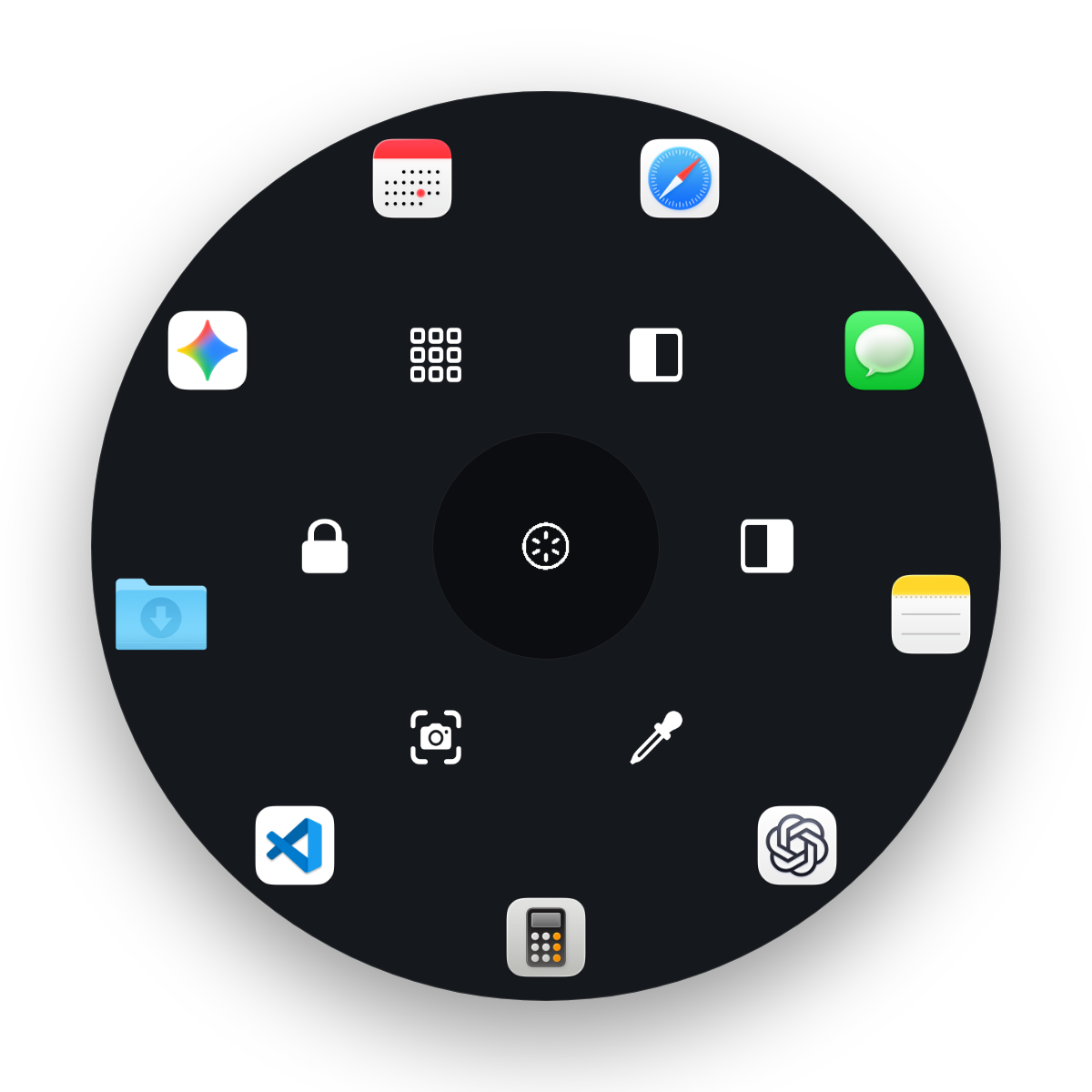
Marking menus are a particular interaction
In the HCI literature, a marking menu lets a person choose from a displayed radial menu or make a directional mark without displaying the menu. Kurtenbach and Buxton’s paper examined limits on the number of items per level and the depth of hierarchical menus; it does not establish that every radial interface is faster for every task. Read the original paper, “The Limits of Expert Performance Using Hierarchic Marking Menus”.
A visible command wheel should not automatically be described as a hidden marking-menu system. Fling, for example, displays a wheel while you hold its trigger and move the pointer; this guide does not claim that Fling supports menu-free directional selection.
Where this layout can help—and where it may not
- Consider a wheel for a deliberately small set of actions you choose repeatedly and can assign to clear directions.
- Keep search available for a large collection of files, extensions, commands or items whose names are easier to recall than their positions.
- Use direct shortcuts when a command already has a shortcut you remember and can press comfortably in your setup.
Adding items increases choice density. Labels, ring layout, pointer position and the trigger method all affect whether a particular wheel makes sense. Test a small configuration first and leave infrequent actions in a launcher or app menu.
Mac command-wheel options
The product named Radial is a direct category alternative. Its vendor currently advertises app, site and folder launches; snippets; context-aware menus; submenus; scripts; Apple Shortcuts; and multi-step actions. The same page lists macOS 15+, a 7-day trial and a €19.99 one-time price. These vendor details were checked October 7, 2026; recheck the page before purchase.
Fling is the author’s product. It uses a customizable hold-shortcut plus pointer-flick and release, with up to 15 slots (six inner, nine outer) for apps, files, folders, URLs, system actions and recorded keystrokes. Its built-in actions include left/right window halves, fill/maximize and a color sampler. The settings editor moves wedges clockwise or counterclockwise; it does not drag-reorder them.
Fling targets Apple Silicon and macOS 14 or later; the developer reports hands-on testing on an M1 MacBook Air running macOS 26. Input Monitoring detects the trigger; Accessibility is required for window actions and keyboard injection; Screen Recording is required for the color picker.
Fling costs $4.99 at the current early-launch price compared with a $9.99 regular price. The one-time license covers up to two Macs with a 14-day refund policy; there is no free trial. Context-aware wheels, chains, snippets, directional switching, native Shortcuts/Siri triggers and profiles are planned, not released.
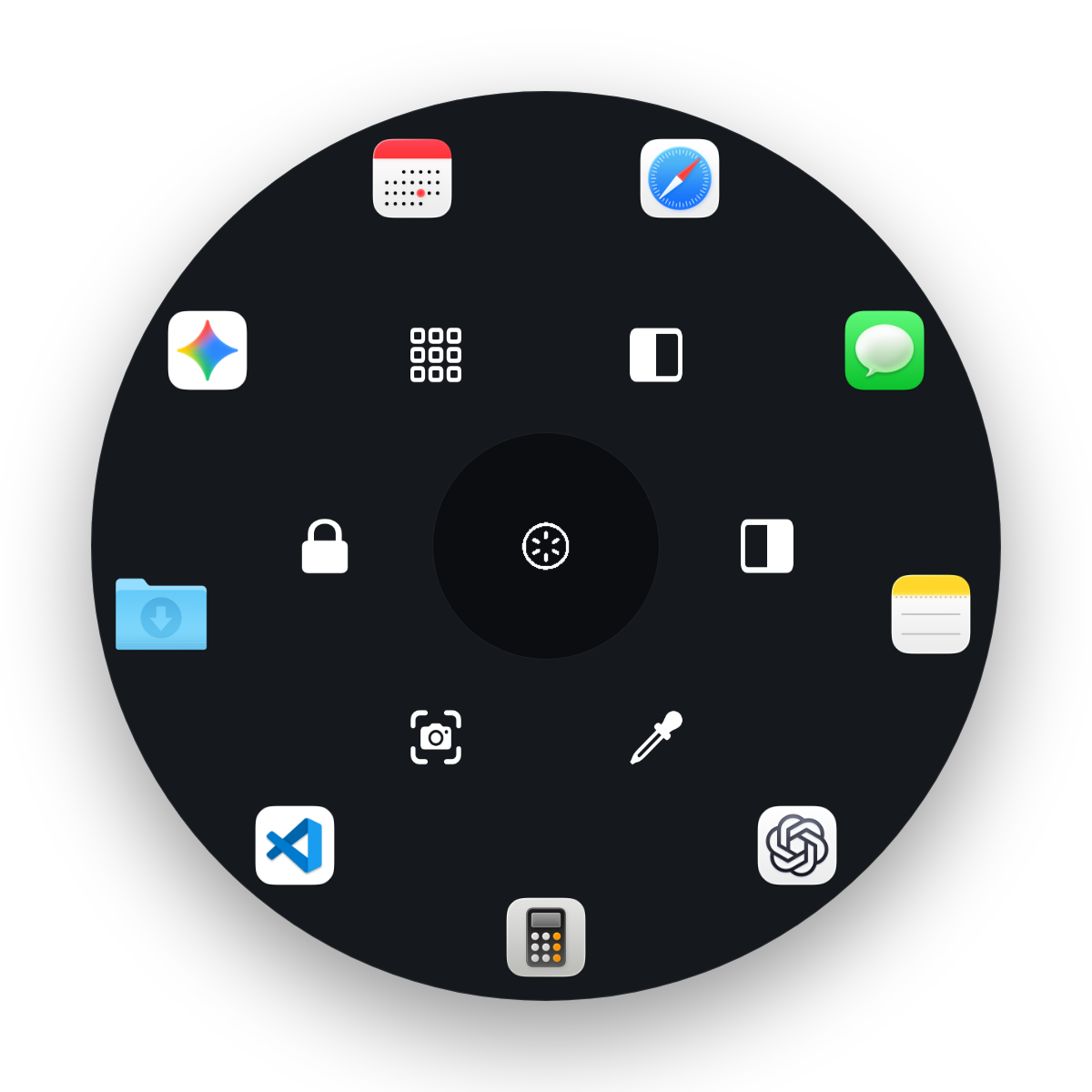
See Fling’s current product details
Review the supported actions, required permissions, release caveats and current price before deciding if the wheel fits your setup.
View Fling details and pricingFrequently asked questions
What is a radial or pie menu?
It is a menu that arranges commands around a center point, often near the pointer. The options are associated with directions instead of a vertical list.
What makes a menu a marking menu?
In the classic HCI definition, a marking menu can be selected by showing a radial menu or by making a directional mark without displaying it. A visible radial menu app does not necessarily support that hidden-mark interaction.
Are radial menus always faster than search or keyboard shortcuts?
No. There is no universal speed advantage. A radial menu may suit a small, repeatedly used set of commands; search can suit large or changing collections, and direct shortcuts can suit commands you already remember. Choose by task and input style, not a guaranteed winner.
How many options should a command wheel have?
It depends on the menu design and the person using it. More options can make directions and labels harder to distinguish. Fling supports up to 15 slots, split into six inner and nine outer slots; that maximum is a product fact, not evidence that 15 is ideal for everyone.